



Create Vlog Videos Using FreeTemplates and AI Editing
Use FlexClip's free vlog video maker to effortlessly cut, edit and compile video clips, photos, audios and texts into a stunning vlog video, slideshow, collage or social post through the help of free vlog video templates, stock footage, image & assets and AI tools. Press AI-Recreate button to let AI auto-swap in your visual media into the vlog video template you choose. Easily drag and drop each clip to adjust the footage length & position, effortlessly change visual elements, stickers, lower-thirds, overlays, effects, animations, frames, motions, intros & outros and background music to create the perfect vibe for your vlog video. Besides, AI image editor can help modify a picture from your text prompts, while image-to-image will transform the image style to animation, ghibli art, 3D polaroid or others. Also, you can choose to convert photo to video, remove image background, set frame-freezing effects, or run other errands. Whether you make vlogs for YouTube, music, entertainment, food, recipe cooking, beauty, tour or other themes, FlexClip has got you covered. Try it for free now!
Make Vlog Videos Handy video editor
 Rich video templates
 Extensive media library
 Dynamic text animations
- Trusted by:






Catchy Vlog Video Templates for Free
 PreviewCustomize
Funny Creative Music Player Happy Friends Relax Travel Vlog
 PreviewCustomize
Escape To The Paradise City Travel Life Vlog Cover Movie Youtube Channel Intro Outro
 PreviewCustomize
Floral Nature Forest Lets Explore Place Travel Vlog Youtube Channel Intro Outro
 PreviewCustomize
Beautiful Nature Guide To Travel Vlog Cover Youtube Channel Intro
 PreviewCustomize
Nature Road Freedom Curve Speed Travel Vlog Intro Outro
 PreviewCustomize
Cute Decorate Daily Vlog Reel
 PreviewCustomize
Fashion Beige Retro Television Music Vlog Youtube Intro
 PreviewCustomize
Traveling Vlog Intro Outro
 PreviewCustomize
Hello Winter Holiday Snow Street Greeting Vlog Youtube Channel Intro
 PreviewCustomize
Red Blur Merry Christmas Santa Vlog Music Playlist Vertical Instagram Story
 PreviewCustomize
Travel Vlog Intro Outro
 PreviewCustomize
Hello October Autumn Life Collage Vlog Cover Maple Leaf Instagram Story
Why You Need to Create a Vlog Video

Share Moments
Making a video story is a great way to share your important moments with family and friends.

Evoke Emotion
A video can convey strong emotion and resonate well with audiences.

Improve Engagement
People are more likely to engage, share, and comment on video content.
How to Create a Vlog Video in 3 Easy Steps
- 1
Add Media
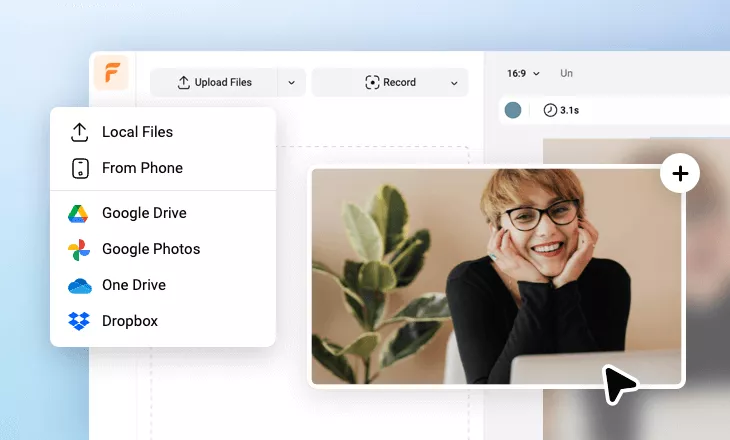
Add videos or photos from computer or stock libraries to the scene.
- 2
Customize
Add text, music, and voiceover to customize your vlog video.
- 3
Export
Download your vlog video in various ratios and definitions or share it online with the world.
Frequently Asked Questions
What vlog mistakes should you avoid?
When creating a vlog, common mistakes include shaky footage, poor lighting and unclear audio, as these can make your vlog video difficult to watch. Try not to make your vlog too long or unfocused. Having no clear story or purpose may cause viewers to lose interest. Also, over-editing with too many effects or transitions can also distract from your content.
What is the basic plan and process for making a vlog?
Start by deciding the theme or story you want to share in your vlog, such as a daily routine, travel experience or event. Next, make a simple plan or outline of the key moments you want to film. During shooting, capture a mix of clips - introductions, main activities, close-ups and background scenes - to make the vlog more dynamic. After filming, edit your footage by trimming unnecessary parts, arranging clips in a logical order, and adding music, captions or transitions if needed.
How can you make your vlog more interesting to audiences?
To keep viewers engaged, focus on storytelling and personality. Start with a strong hook in the first few seconds to grab attention. Use different camera angles, B-roll clips, and smooth transitions to add visual variety. Background music, subtitles and small edits can also enhance the viewing experience. Most importantly, be genuine and show your unique perspective - audiences are more likely to connect with vlogs that feel personal, relatable and entertaining.
