Free Twitch Background Maker: Create with Fancy Templates and AI
FlexClip's free Twitch background generator is abundant with various types of Twitch background templates, designs and easy editing tools that'll help you build up a satisfying Twitch background video, image or GIF, showing off your tastes, characteristics or beliefs in your Twitch gaming stream channel. Choose a chic Twitch background template to begin with, or you can enable AI text to video feature as well as image generator to create appealing visuals for the Twitch background project. Explore well-designed texts, motions, icons, stickers, animations, effects, frames, overlays, neon & glitch things and engaging music to make your Twitch background perfect! Try it for free now!
DIY a Twitch Background Handy video editor
 Rich video templates
 Extensive media library
 Dynamic text animations
- Trusted by:






Sleek Twitch Background Templates to Customize for Free
 PreviewCustomize
Circuit Board Cpu Technology Game Logo Reveal
 PreviewCustomize
Abstract Data High Tech Network Game Business Logo Intro Outro
 PreviewCustomize
Purple Magic Neon Effects Game Channel Intro Outro
 PreviewCustomize
Happy World Music Day
 PreviewCustomize
Live Music Festival
 PreviewCustomize
Dark Light Business High Tech Game Logo Intro
 PreviewCustomize
Black Red Glitch Sound Effect Coming Soon Game Livestream
 PreviewCustomize
Event Sport Intro New Season Opener Promo Basketball Game
 PreviewCustomize
Pixel Game Loading Intro
 PreviewCustomize
Technology Tech Star Wars Day 9 Interesting Facts Universe Space Game Movie Trailer Intro
 PreviewCustomize
Animated Game Virtual Reality Future
 PreviewCustomize
Diamond Shaped Abstract Game Logo Reveal
Why You Need to Make a Twitch Background Video

Share Moments
Making a video story is a great way to share your important moments with family and friends.

Evoke Emotion
A video can convey strong emotion and resonate well with audiences.

Improve Engagement
People are more likely to engage, share, and comment on video content.
How to Make a Twitch Background in 3 Steps
- 1
Add Media
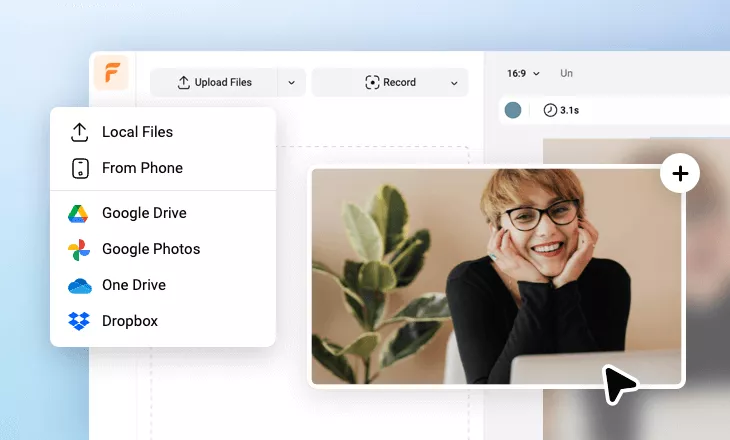
Add videos or photos from computer or stock libraries to the scene.
- 2
Customize
Add text, music, and voiceover to customize your Twitch background video.
- 3
Export
Download your Twitch background video in various ratios and definitions or share it online with the world.